Editing OSM layers on the map — use the ✎ / • / ▧ / ⌫ tools in the floating panel. Switch back to Buffers to check and send.
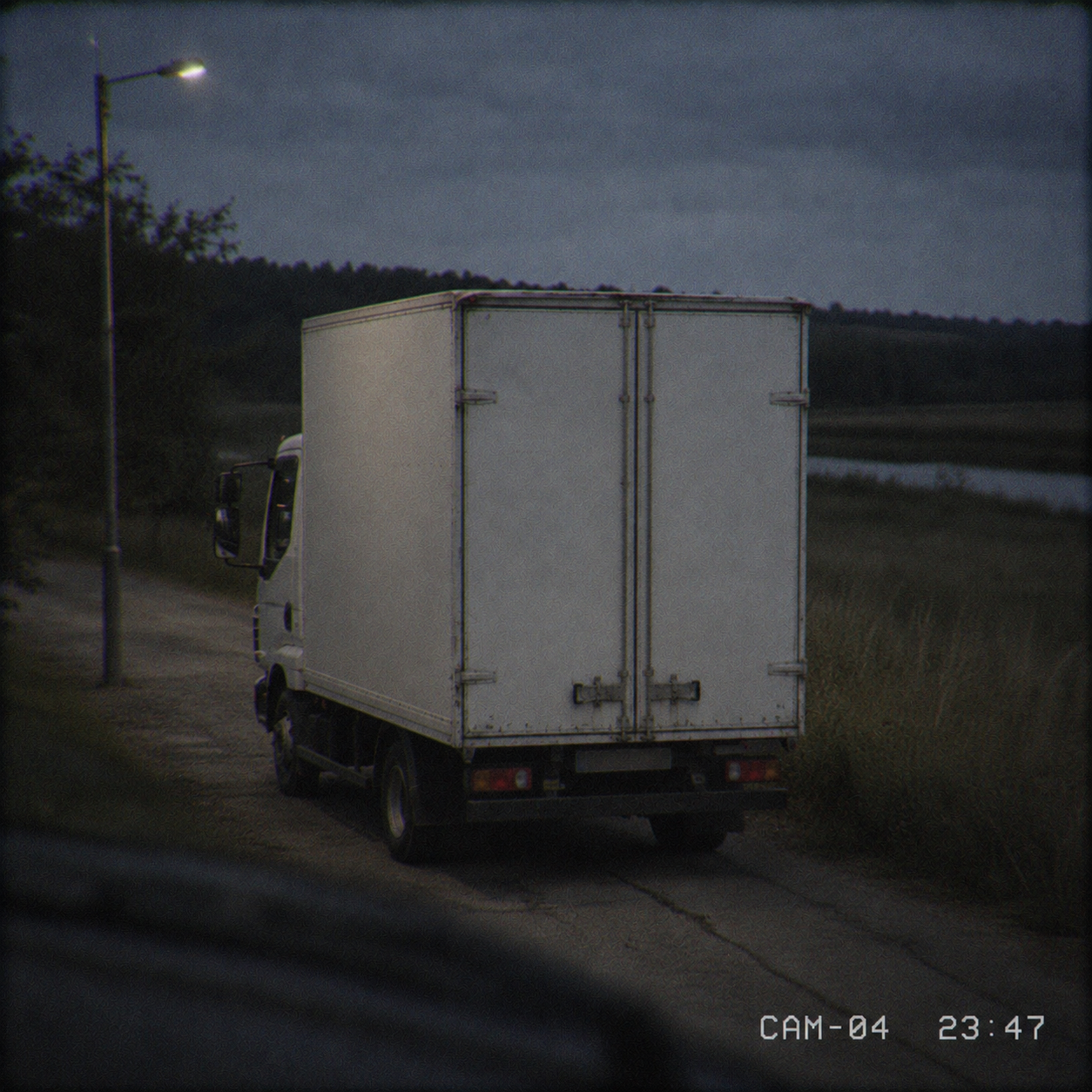
PHOTO
Nightfreight
–CASE 1
Tap within / beyond to flip a condition, edit the distance:
Assign task to students
Enter each student's name and email, set a due date, then Send — you'll get a ready-to-send email per student (from your own mail).
Task type
Class
NameEmail
🖨 Analog GIS print pack — for offline manual work
An alternative way to hand out this task — on paper instead of online. A layered PDF for hands-on classes: base satellite sheet, one sheet per theme to print on transparency film, a blank overlay for the answer, plus the briefing. Students draw the buffer zones by hand. All sheets share one frame and a binding margin so they stack in register.
Task ready
Send each student their link — press ✉ Mail (opens your mail app) or Copy email. Nothing is delivered until you do; you can also resend later from My tasks.
Track submissions and review answers anytime in My tasks.
New custom case
Build your own case — a title, a photo, a short story and four distance conditions. Saved to your account and reusable.
Photo
Conditions — a clue per layer
Trace the layers
Draw each theme over the image, then build buffers.

 Made by Solebo